Cascadeur Motion Capture from Video
Updated: 2026-06*
1. Introduction
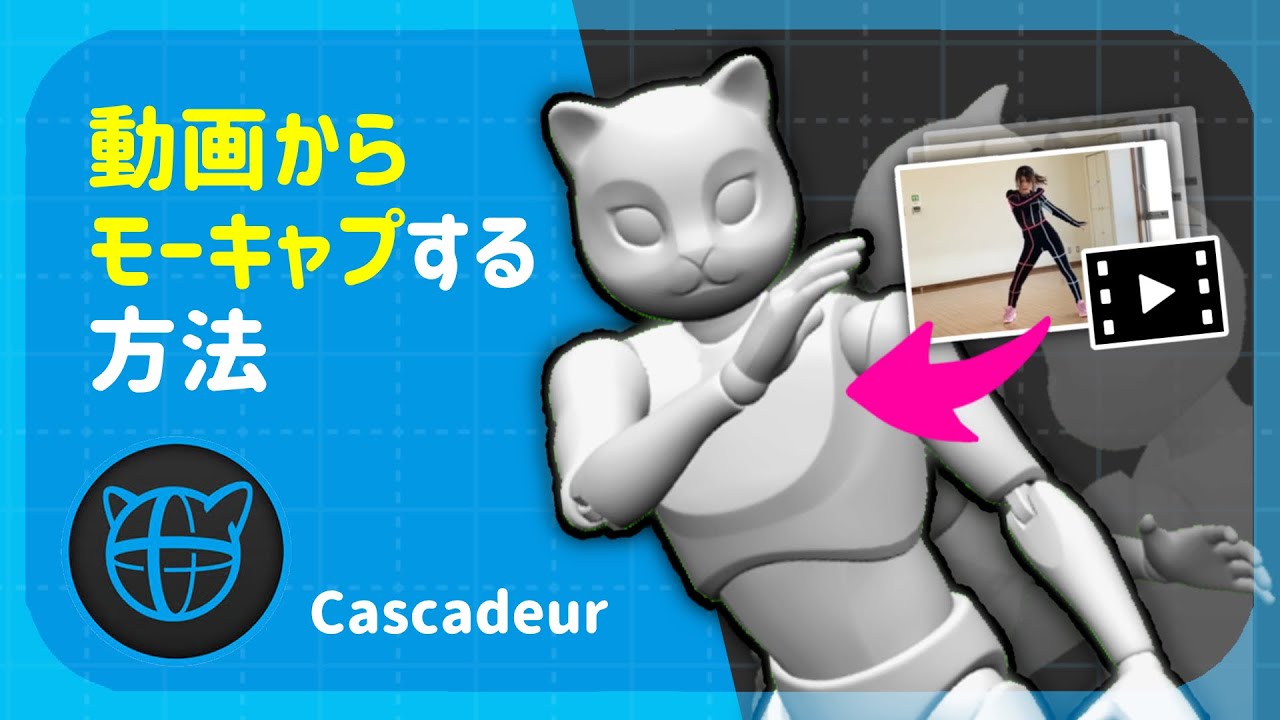
In addition to optical and inertial-suit motion capture, AI motion capture that analyzes motion from video footage has become increasingly practical. Useful results can be obtained even from smartphone video, and adoption is growing thanks to that convenience.
Cascadeur also has a built-in video motion capture feature.
Candid take: As with image-based pose capture, Cascadeur’s video motion capture is not yet at a practical level of accuracy at the time of writing. For movements with large dynamics like backflips or dance, dedicated services such as DeepMotion produce significantly better results. Treat the Cascadeur feature as a learning tool; for actual production, plan to combine it with another service.
2. AI Motion-Capture Services Compared
| Service | Characteristics |
|---|---|
| DeepMotion | Industry standard. High accuracy |
| Plask | Lightweight, education-friendly |
| QuickMagic AI | Professional use |
| MetaHuman Animator | Face only (Unreal integration) |
The Windows build of Cascadeur also includes facial motion capture:
Reference videos for an overview
3. Cascadeur’s Video Mocap
Supplementary videos
- How to use Cascadeur’s free video motion capture (Japanese)
- Cascadeur-Only Workflow: Video Mocap & Cleanup
4. Cleaning Up Mocap Data
AI-derived mocap data contains noise — joint jitter, foot sliding, contact errors. A cleanup pass inside Cascadeur is essential before the take is usable.
General-purpose motion editing references
Not specifically about video mocap, but useful as motion-editing technique in Cascadeur:
5. Gear for Capturing Footage
AI motion capture works from smartphone footage, but to improve analysis accuracy it is important to mount the phone on a tripod or gimbal and frame the subject’s full body.
 DJI Osmo Mobile 7P smartphone gimbalView on Amazon →
Shooting on a gimbal eliminates camera shake, which substantially reduces the analysis error of AI mocap.