Cascadeur Advanced Techniques
Updated: 2026-06*
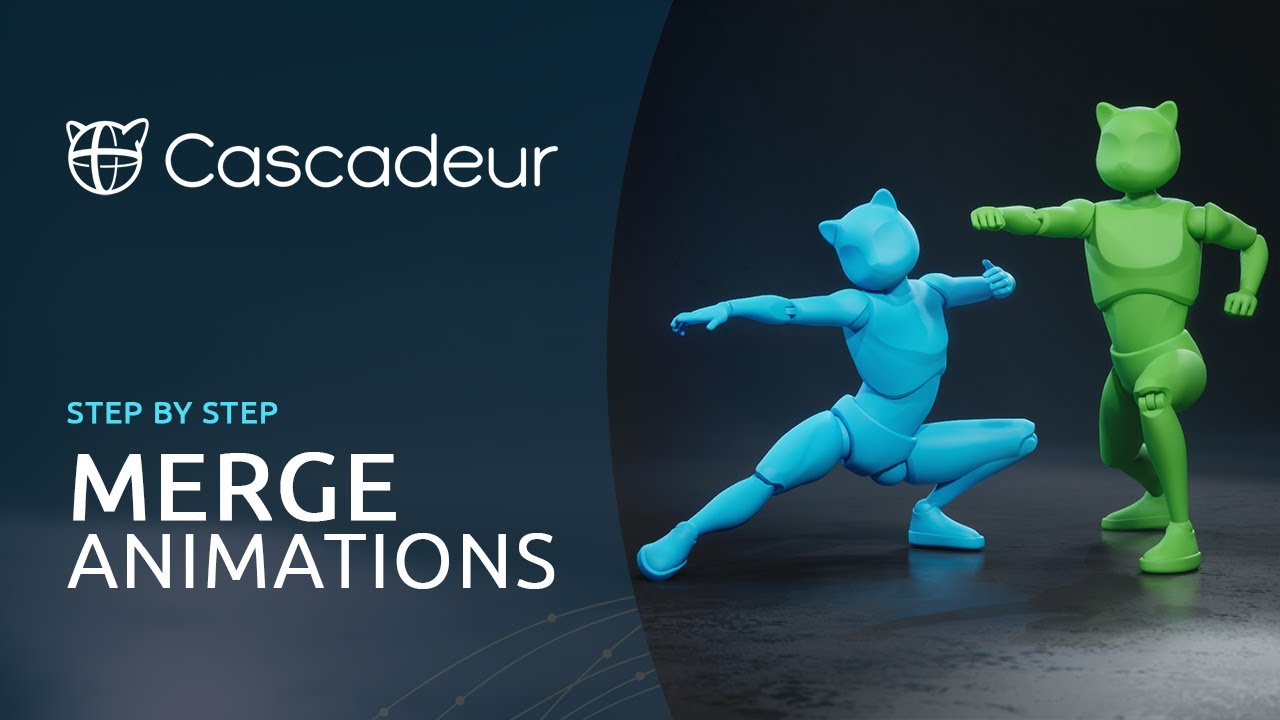
1. Why Take Advanced Work to Cascadeur
Blender supports complex animation through keyframe editing and the NLA editor, but without an understanding of skeletal structure and physical motion, it is genuinely hard to produce natural-looking results. Cascadeur fills in that knowledge and experience at the system level, so unless your goal is to become a professional animator, you will usually be more productive doing advanced work in Cascadeur as well.
A video explaining that design concept:
2. Rigging and Animating an Original Character
Advanced cases where you rig and animate your own model rather than using Cascadeur’s stock CASCY character.
3. Ragdoll Physics
Turning Ragdoll on runs a gravity-inclusive physics simulation on the entire body — distinct from Auto Physics, which only assists motion characteristics. Useful for falls, collisions, and “pulled down” sequences.
4. Parkour
Chained acrobatic moves — running, leaping, landing, wall climbs — make a great vehicle for learning when to use Auto Physics versus the inbetween AI.
5. Characters with Weapons
For characters holding swords, guns, or other props, you combine hand constraints with rigging on the weapon. In Cascadeur, constrain the weapon first, then build the motion.
6. Pair Animation Between Characters
How to compose animation for two or more characters that come into contact — combat, dance, embracing:
Resources for Deeper Study
A classic reference book for training your eye for body motion. Since Cascadeur takes care of physics and kinematics, the quality ceiling on your work is set by how well you can see motion.
For advanced work involving multiple characters or props, a 3D mouse dramatically reduces the cost of viewport navigation.
 3Dconnexion SpaceMouse WirelessView on Amazon →