Cascadeur Basics
Updated: 2026-06*
1. What is Cascadeur
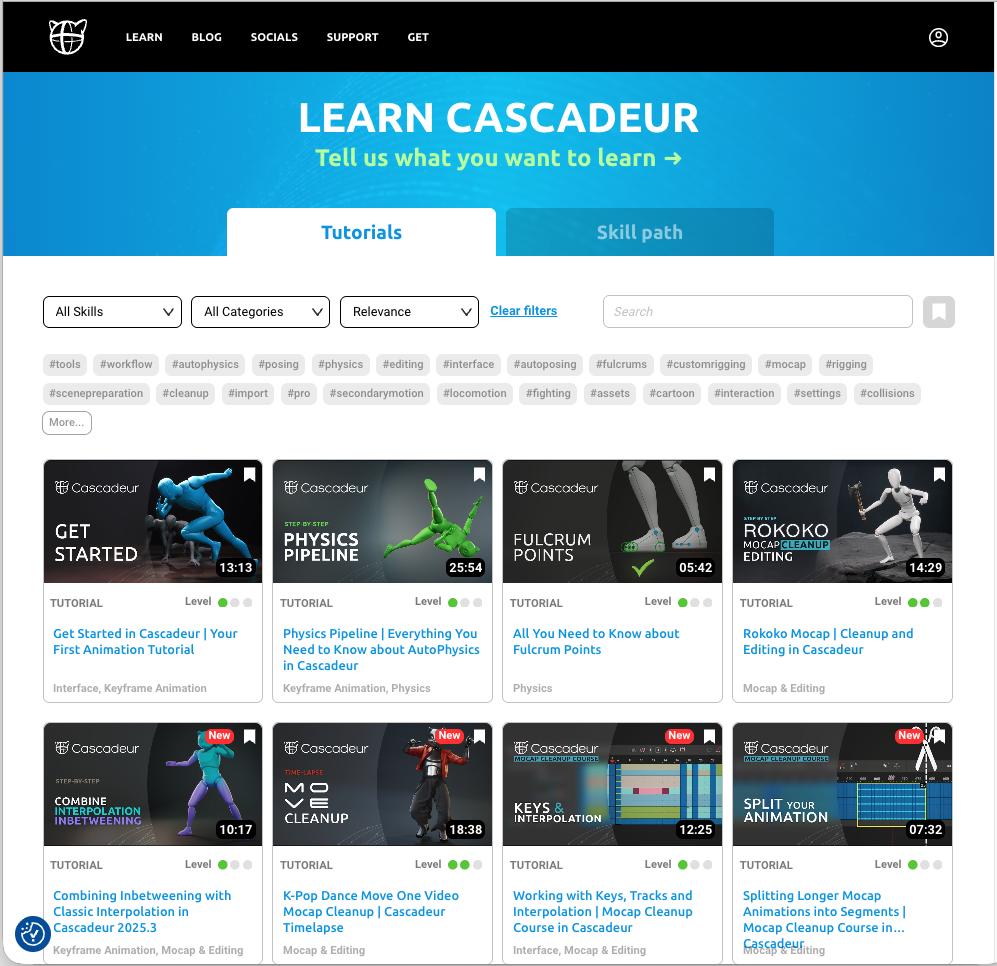
Cascadeur (French for “stuntman”) is a 3D character animation software released in 2022. Its defining feature is that, while you edit keyframes, the system enforces anatomical, skeletal, and physical plausibility and assists the in-between motion. Robust support for easing and gravity lets non-specialists produce results that rival those of professional animators.
Official site: https://cascadeur.com/
Design philosophy
Useful videos for understanding the design intent:
2. License Tiers
| License | Features | Use case |
|---|---|---|
| Free | In-app only. No FBX or other external export | Learning the software |
| Pro (paid) | External export to Blender, Unity, etc. | Production work |
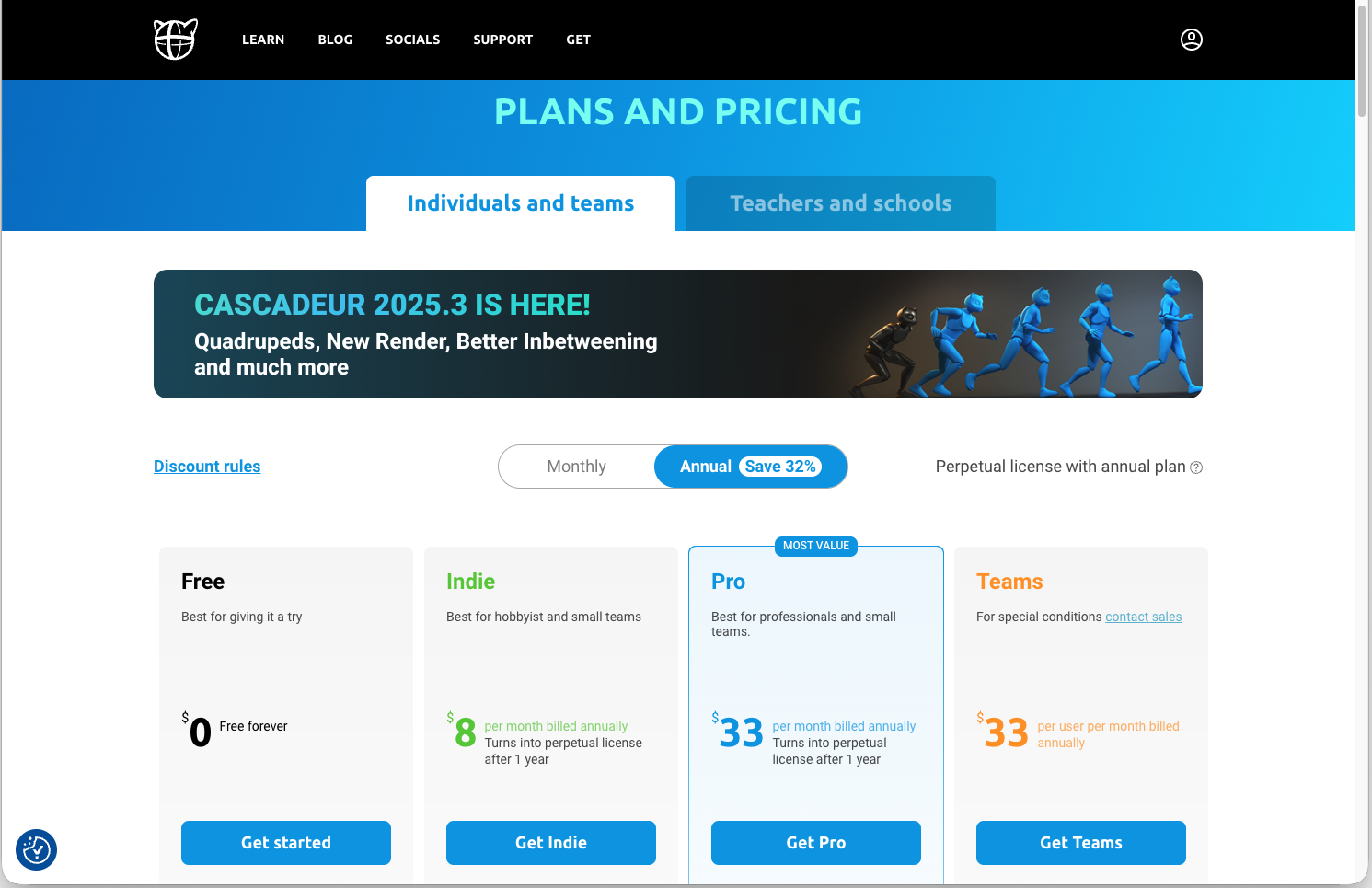
| Academic License | Pro-equivalent | Educators apply; can distribute to a class (max 100 students) |
Academic License (for educators)
Educators at academic institutions can apply on Cascadeur’s website (in English)
and obtain a free class-scale license for up to 100 students. Student accounts
must use an email of the form name@edu.tmu.ac.jp, not the one based on
student ID.
Note: Licenses are granted for the term of the class only. They expire after the term ends.
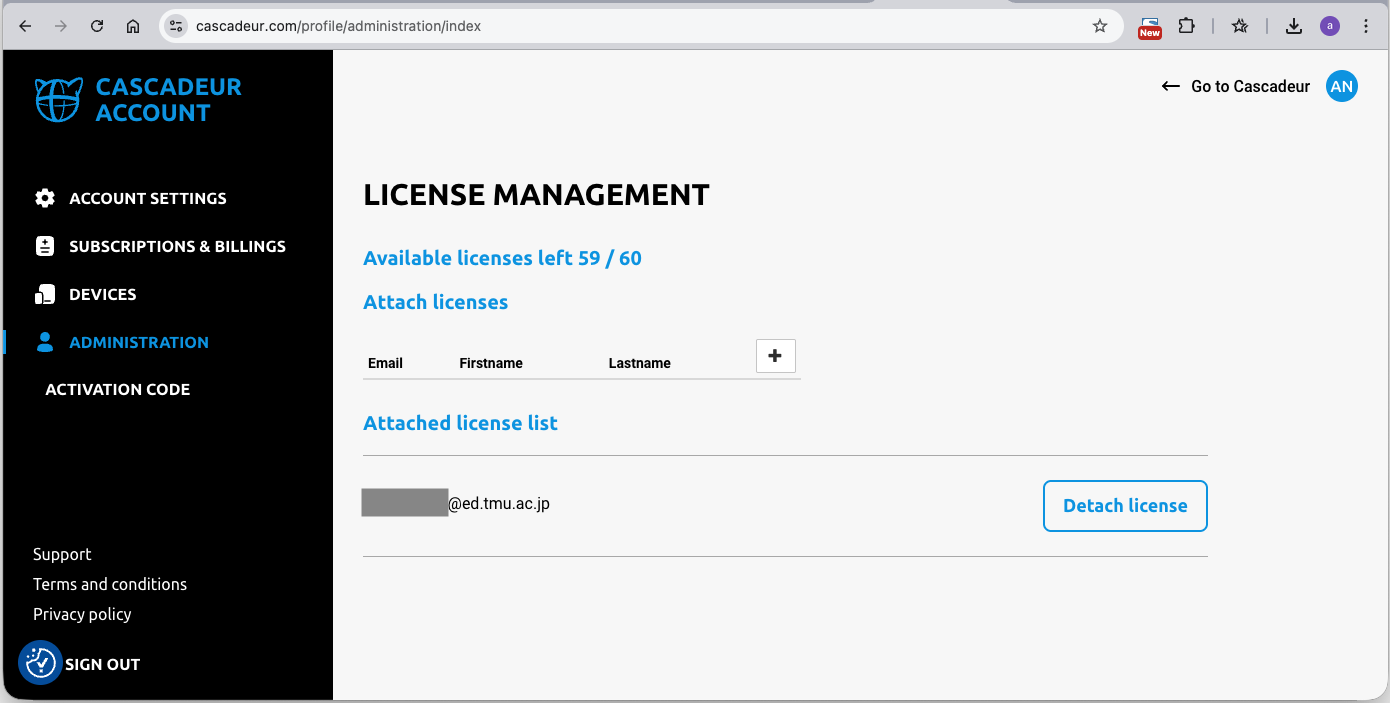
The license management panel lets you grant and revoke licenses per student, which makes classroom operation straightforward.
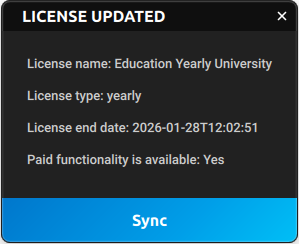
Students receive a notification email like this when their license is granted.

Signing in inside the Cascadeur application automatically applies the license
(Help > Sync License). On the student’s machine, the license appears as
“Basic”.
3. Misconceptions vs. Reality
Cascadeur is not “software that does the animation for you”. The reality: “You give intent through manually crafted key poses, and the physics layer keeps that intent from breaking down.”
Common misconceptions
- Pressing Auto Walk makes the character walk
- Turning on Auto Physics produces natural motion
- Tuning parameters maintains the pose
The reality
- Key poses are the main act — the user crafts the correct key poses (about 80% of the work)
- Automated checks and assists (the remaining 20%) — Cascadeur’s
signature strength
- Does the pose hold up anatomically? (no joint failures)
- Is it kinematically reasonable? (can the character stand without tipping?)
It is more accurate to think of Cascadeur as “software that refuses to let you make wrong poses” than as software that interpolates well.
4. Basic UI / Operation
Japanese OS is not supported
Cascadeur does not support Japanese-locale operating systems. File paths containing Japanese characters will fail. Keep paths ASCII-only.
Match mouse navigation to Blender
Blender users will find the transition smoother:
Settings > VIEWPORT INPUT SETTINGS > Blender preset (bottom right of UI)
Key shortcuts
| Key | Action |
|---|---|
Space or X |
Play / pause |
F |
Add / remove key |
Q / E / W |
Select / Translate / Rotate |
S |
Toggle helper lines |
A / D |
Previous / next frame |
- |
Add inbetween frame |
Shift + - |
Remove inbetween frame |
Shift + Z |
Lock Selected Controllers (rig lock) |
R |
Object Fix (stronger than Shift + Z) |
Right-clicking the timeline scrollbar area toggles between full-range view and all-keyframe view.
5. References
Official tutorials
Starting with the official Beginner series is the most reliable path for newcomers.
Recommended YouTube channels
417_Butter (Japanese, beginner-friendly)
Going through this channel’s videos in order covers the essentials.
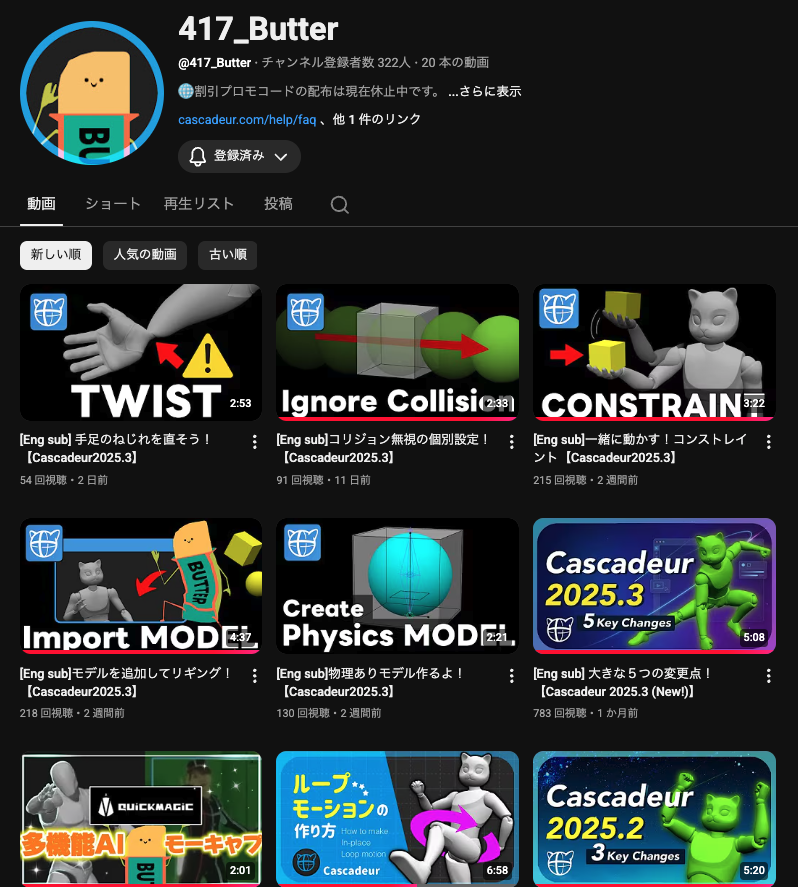
https://www.youtube.com/@417_Butter/videos
Aron Nemeth (English)
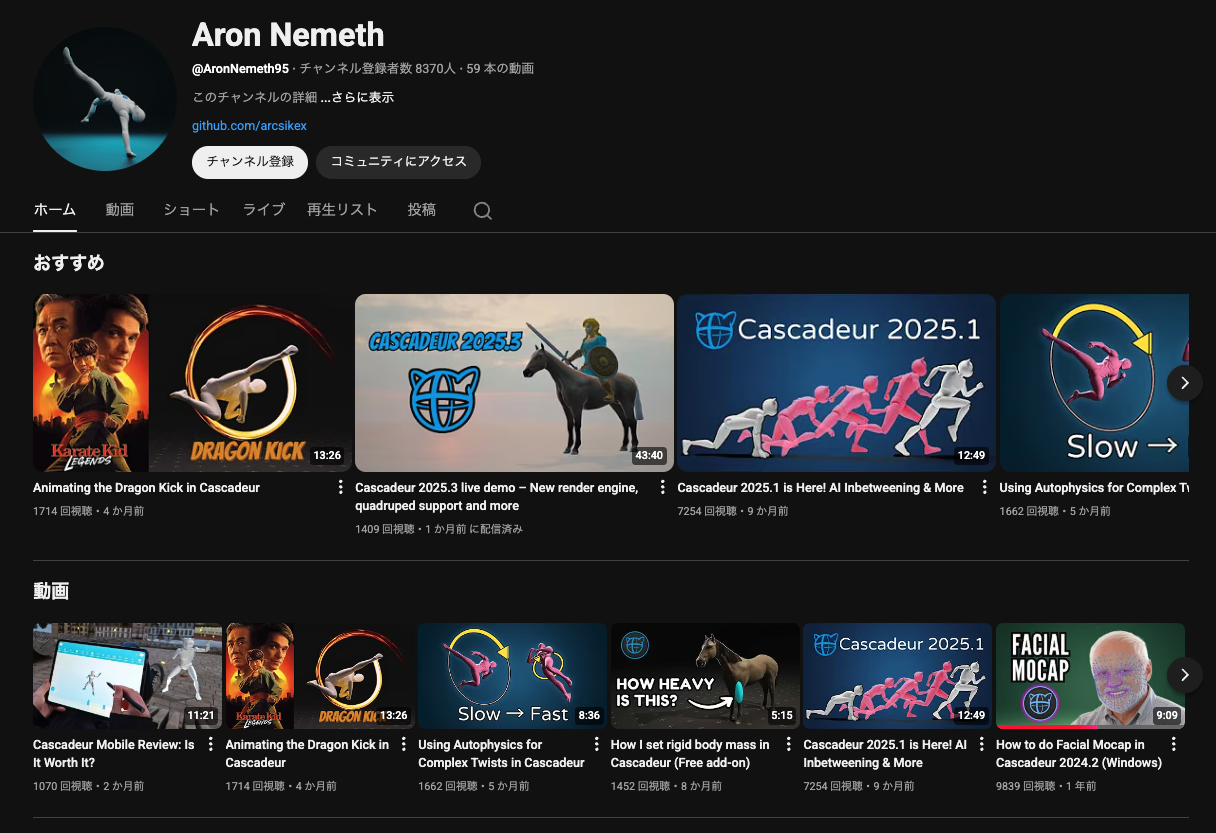
https://www.youtube.com/@AronNemeth95
Cascadeur, Unreal ’n’ Blender (Sergej Samoilenko, English)
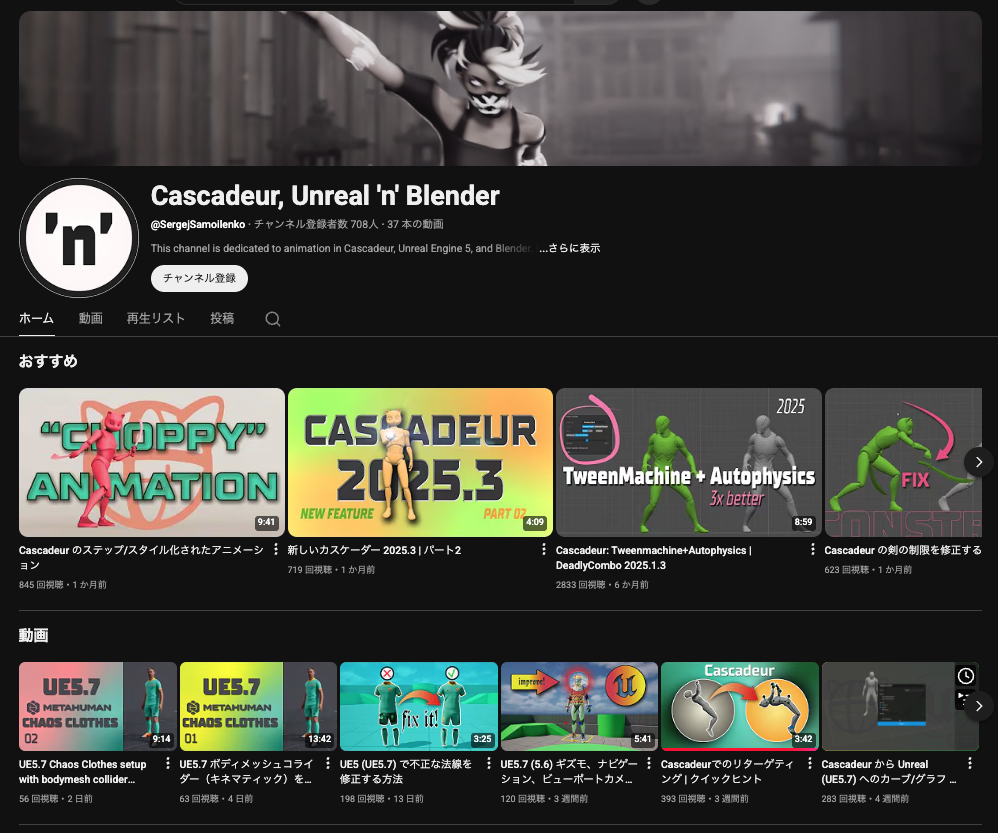
https://www.youtube.com/@SergejSamoilenko/featured
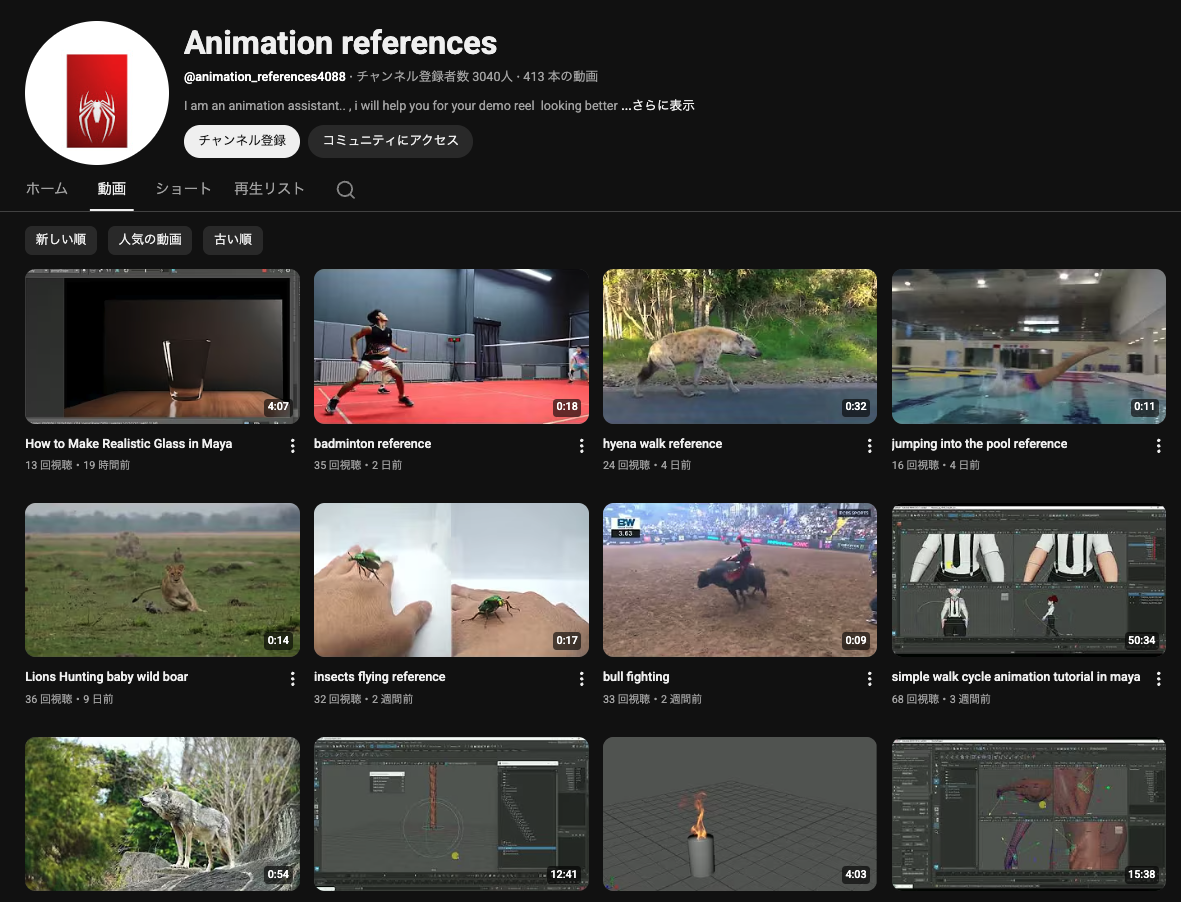
Live-action motion references
https://www.youtube.com/@animation_references4088/videos
6. Supplementary Resources
For systematic study of body motion principles — the 12 principles, timing, weight, anticipation. Cascadeur supports the physics and kinematics side, but the “acting and expression” side remains the animator’s responsibility, and this book is still the most thorough introduction to that foundation.
A 3D mouse that makes viewport navigation comfortable. Works with Cascadeur and Blender alike, letting one hand handle viewpoint while the other handles keyframe editing.
 3Dconnexion SpaceMouse WirelessView on Amazon →
Next Steps
Once you have the basics, move on to the hands-on exercises:
- Cascadeur — Crouched walk
- Cascadeur — Run to jump
- Cascadeur — Loop animation
- Cascadeur — Acrobatic backflip