Cascadeur Acrobatic Backflip
Updated: 2026-06*
1. Introduction
This exercise builds a backflip — a representative acrobatic move — in Cascadeur. Performing a backflip in real life takes athletic skill, but in Cascadeur it can be reproduced through careful key pose design and the inbetween system.
Time estimate: setting up the key poses alone takes about one class period (around 90 minutes).
Auto Physics and AI assists
Using the Acrobatic preset on the inbetween AI yields a motion that, while somewhat forced, avoids physical breakdown. However, the proper approach is to design key poses that hold up without AI assistance. Treat the AI feature as a time-saver rather than a substitute for understanding.
2. Reference Tutorial
Supplementary videos
- Physics Pipeline | Everything You Need to Know about AutoPhysics in Cascadeur
- Cascadeur: Making a somersault from scratch (for old versions)
3. Preparing Reference Footage
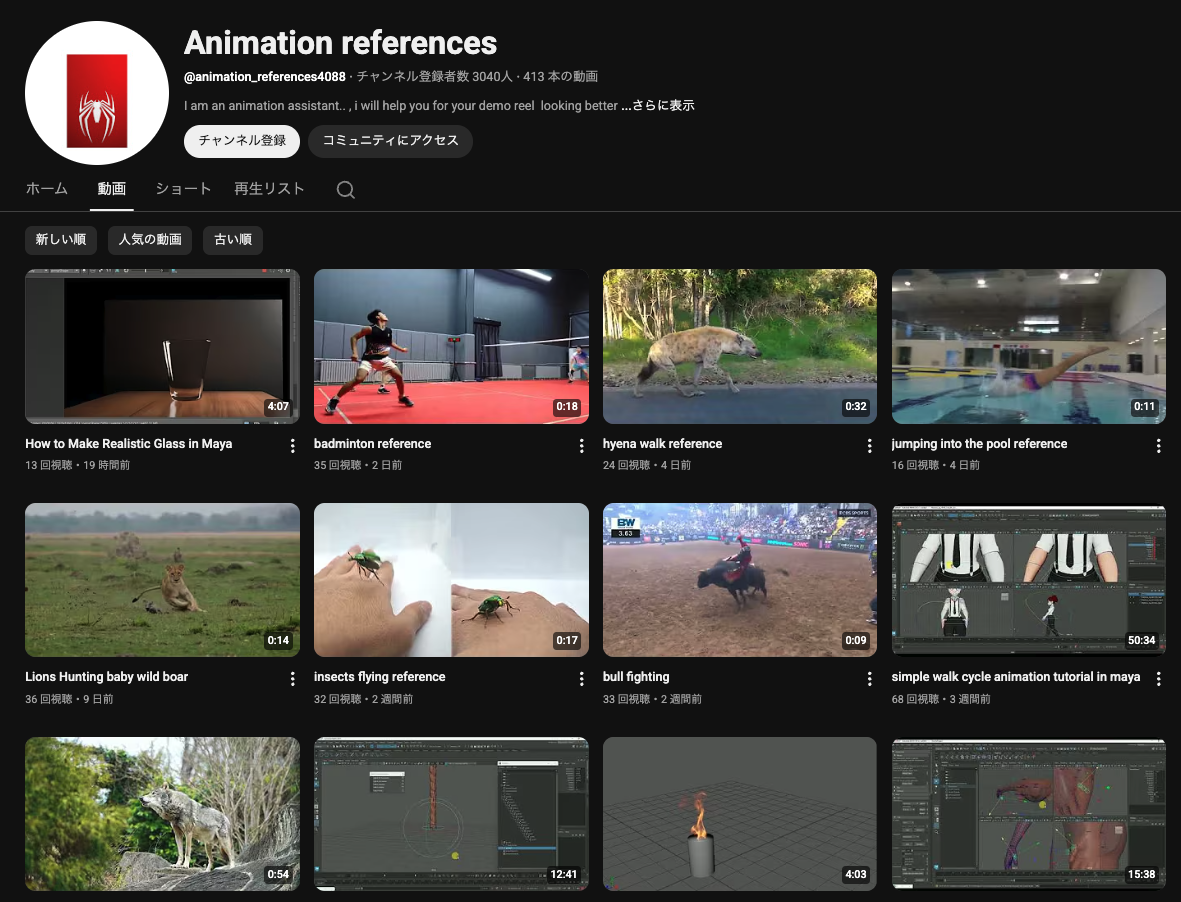
Watching real-world motion first makes key pose design dramatically easier. The Animation References channel below has many backflip clips; pick one that is easy to trace.
https://www.youtube.com/@animation_references4088/videos
In class, reference footage (mp4) is distributed via kibaco.
4. Production Flow (Outline)
- Play the reference video and set three key poses: takeoff, in-air, and landing
- Add inbetweens, then adjust the rotation axis (pelvis) angle
- Turn on Physics Assistant to reflect ground contact and gravity
- Invoke Acrobatic AI if needed for supplemental interpolation
- Snap to Physics to apply the result to the active model, then export FBX
Detailed steps are demonstrated in class.