Cascadeur Pose Capture from Image
Updated: 2026-06*
1. Introduction
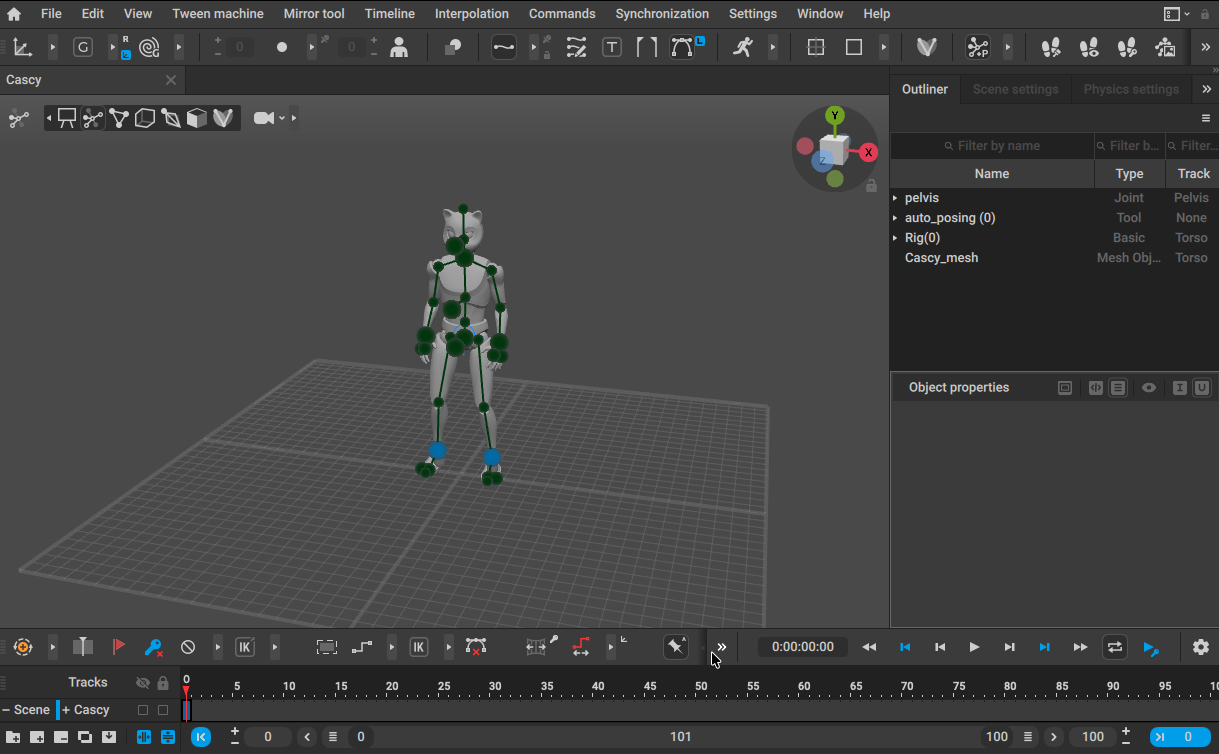
Cascadeur has a Mocap (pose capture) feature that analyzes a human pose from a single image and applies it to CASCY. This page walks through using it and assesses how practical the accuracy is at the current state of the tool.
Candid take: The accuracy of Cascadeur’s standalone pose capture is not at a usable level yet. Finger poses are not supported. Given the amount of manual cleanup required, in many cases you can pose the model by hand faster than you can fix the capture. Treat this feature as a learning exercise.
Reference tutorial
2. Cascadeur Setup
2.1 Load CASCY
Load CASCY from Home.
2.2 View Mode
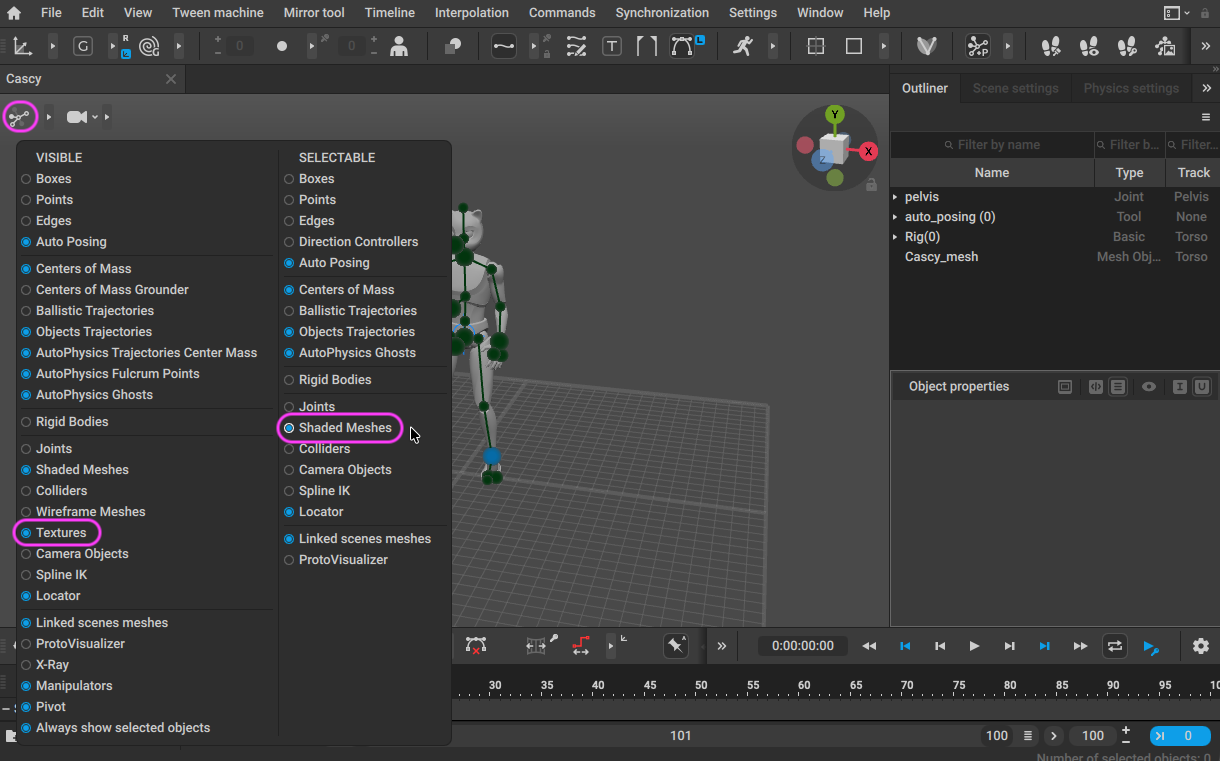
Right-click the View Mode icon and enable:
VISIBLE > TexturesONSELECTABLE > Shaded MeshesON
Now you can display and select images inside the 3D viewport.
3. Preparing a Reference Image
Source a pose reference from Adobe Stock or similar.
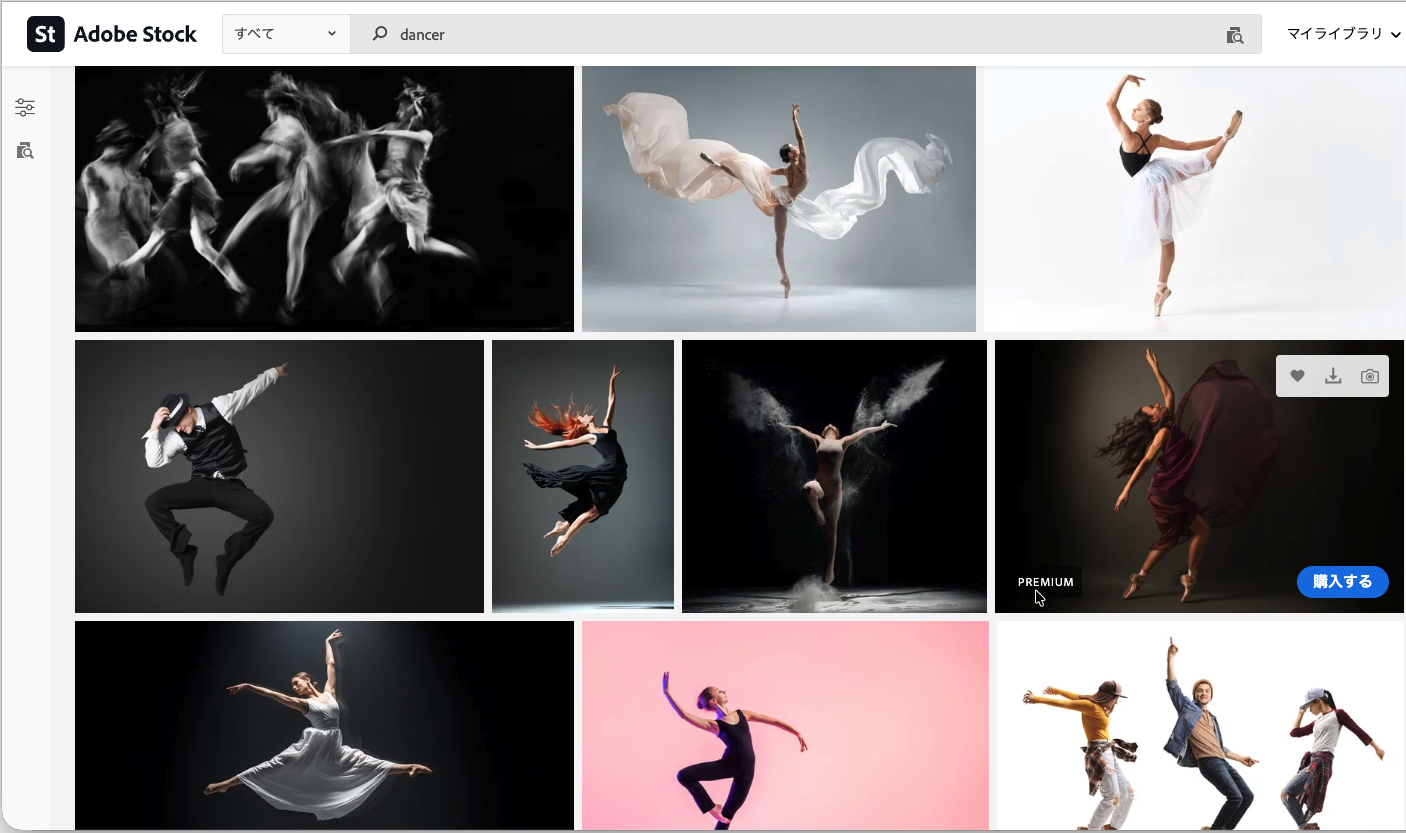
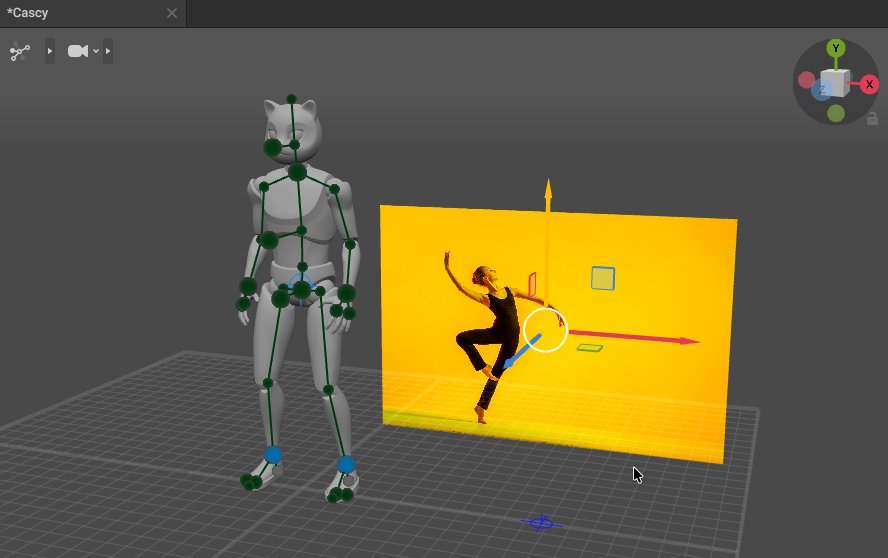
Drag and drop the image into Cascadeur’s 3D viewport. Once it loads, move it to a convenient position.
4. Running Pose Analysis
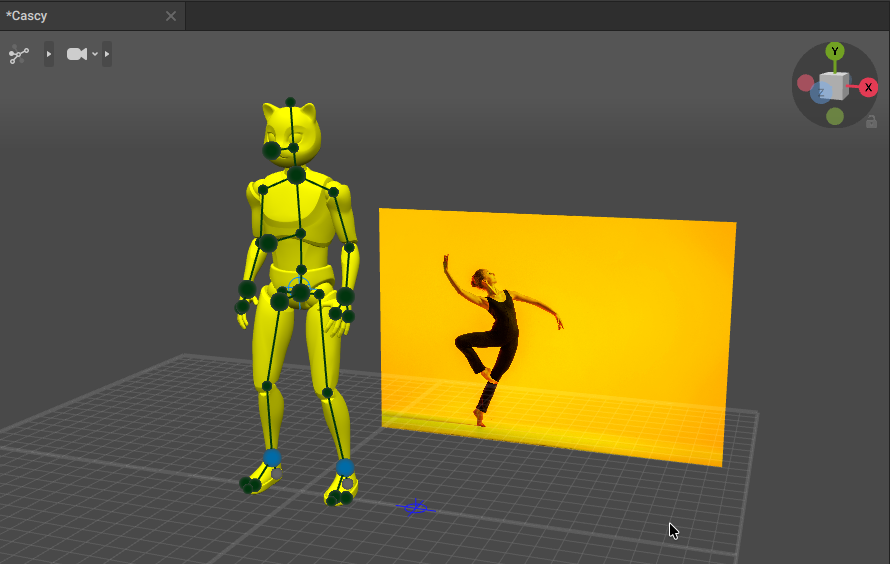
4.1 Select CASCY and the image together
Hold Shift and select both CASCY and the image.
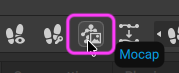
4.2 Hit the Mocap button
Press the Mocap button in the top right of the UI.
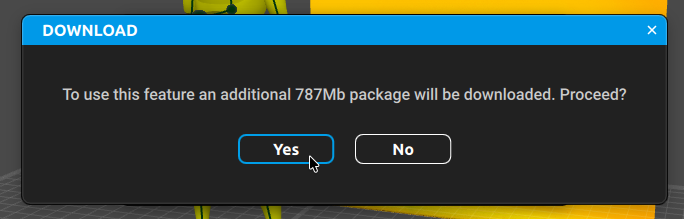
On first use, additional data is downloaded.
5. Inspecting the Results
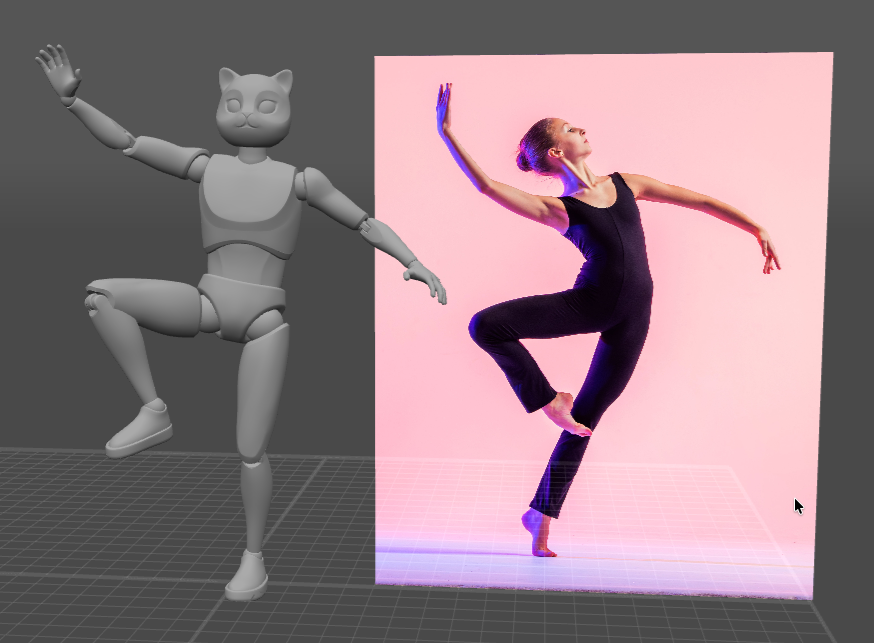
5.1 First attempt
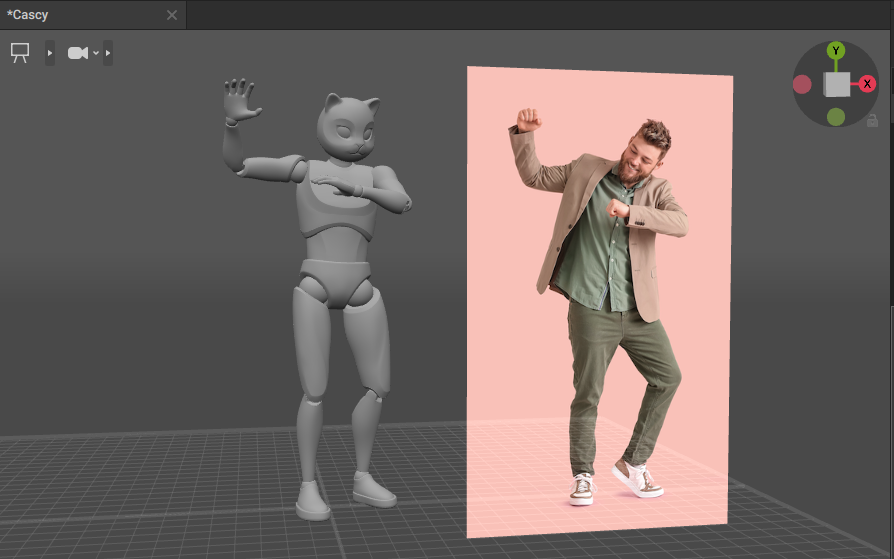
The result doesn’t match expectations:
5.2 Trying a different image
Accuracy was not great with a different image either. Finger poses aren’t handled at all, which is a notable practical limitation.
5.3 Manual cleanup
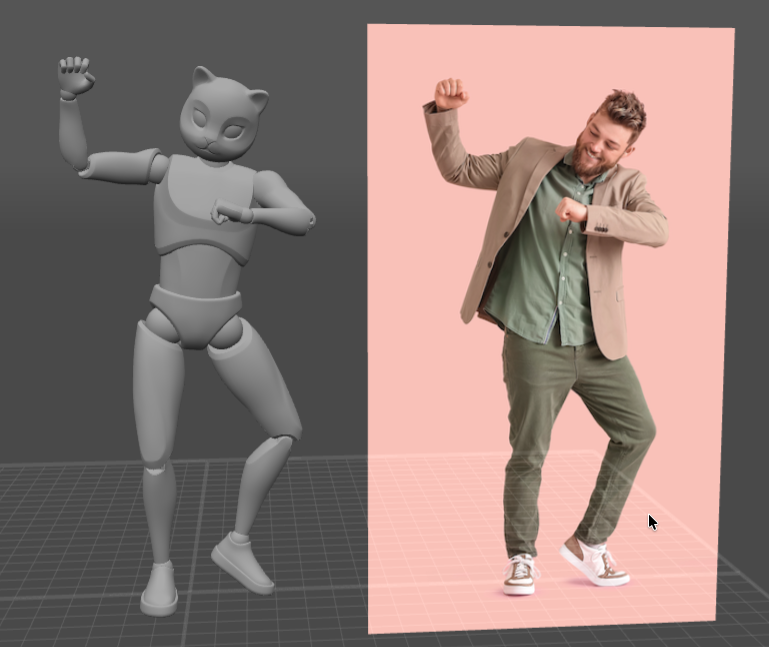
After manual correction including finger poses. If cleanup at this level is required, you may as well pose the model by hand from the start.
5.4 Compared with DeepMotion
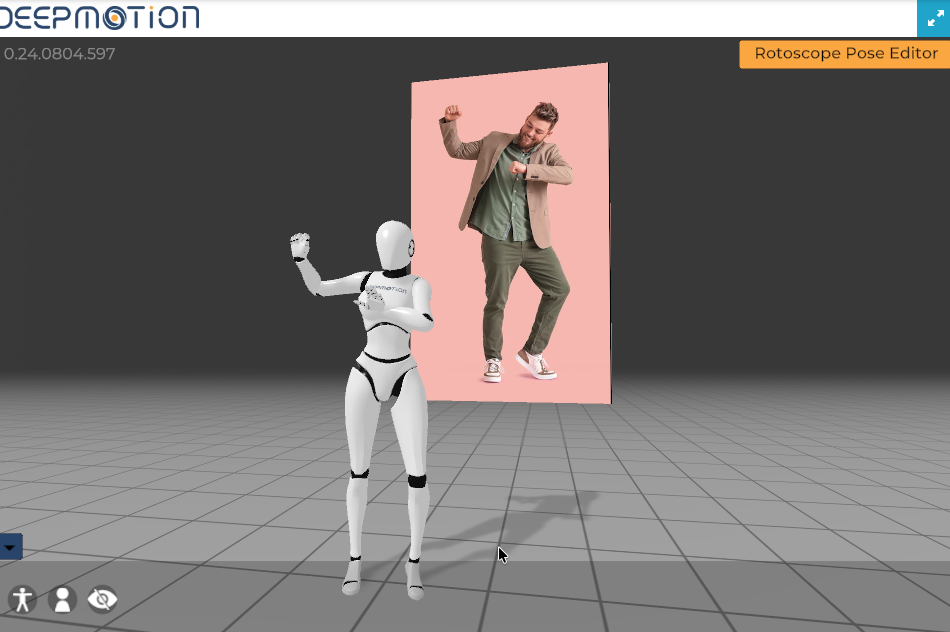
For comparison, the same exercise via DeepMotion. Also short of ideal. Source image quality clearly affects things, but I’d hope for more.
6. Conclusions and How to Use It in Practice
- For now, position Cascadeur’s image-based pose capture as a learning exercise
- In production, use the capture result as a starting pose and manually refine from there
- Plan to handle fingers manually regardless
- Image quality strongly affects accuracy. When choosing references, favor side-on, full-body shots with strong contrast
Related Pages
- Cascadeur Motion Capture from Video — AI mocap from video footage
- Cascadeur Advanced Techniques — overview of advanced applications